
17 November 2026 · info.fixtechsolution@gmail.com
How to Activate a Debit Card in Pakistan
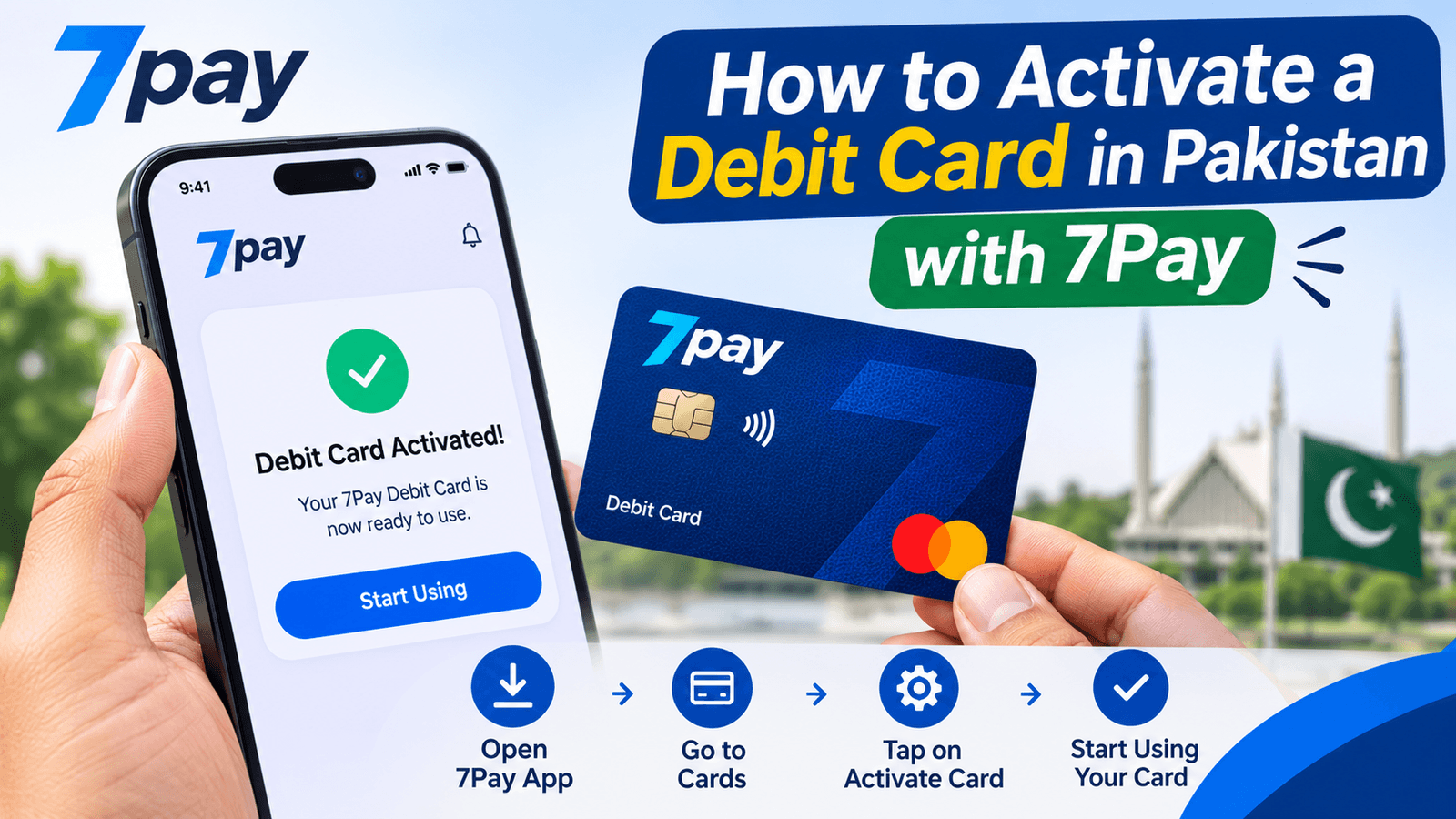
A new card in your hand is exciting, but it will not work until it is switched on. Knowing how to Activate a Debit Card in Pakistan takes only a few minutes and lets you use ATMs, shops and online payments without delay. This guide explains how to Activate a Debit Card in Pakistan, how to set your PIN and what to do if activation fails, and shows how 7Pay supports your everyday payments once your card is ready.
Why You Need to Activate a Debit Card in Pakistan Before Use
New cards usually arrive inactive, and that is a security feature, not a fault.
Banks send cards switched off so that a card lost in the post cannot be used by someone else. You complete the debit card activation process in Pakistan to confirm that you, the real account holder, received it. Once active, your bank account debit card can be used for ATM cash withdrawal, shop payments and online transactions.
Before You Start: What to Check
A few quick checks make bank card activation smoother.
- Confirm the card has your correct name and an unexpired debit card validity date.
- Make sure the card envelope was sealed when it arrived.
- Keep your CNIC and registered mobile number handy, since OTP verification often depends on them.
- Have your account number or the last digits of the card ready.
- Read any instruction letter that came with the card, because banks differ.
If anything looks wrong, such as a damaged envelope, contact the bank before you use the card.
How to Activate a Debit Card in Pakistan: Step by Step
Most banks follow the same basic pattern, even if the menus look different.
Here are the new debit card activation steps that work for most cards:
- Check that the card matches your name and account.
- Choose an activation channel, such as the ATM, mobile app, helpline or online banking.
- Verify your identity with your CNIC, registered number or OTP verification.
- Set or confirm your ATM PIN when asked.
- Wait for the card activation confirmation, usually shown on screen or sent as a card activation SMS.
- Make a small first transaction to confirm the card works.
Follow these steps carefully and you can Activate a Debit Card in Pakistan without a branch visit in many cases. This is also how to activate a new ATM card and how to activate a debit card without visiting a bank, if your bank offers digital channels.
Debit Card Activation Through ATM
The ATM is one of the most common bank ATM card activation methods.
Insert the card at your bank’s ATM and follow the on-screen prompts. Many banks ask you to enter a PIN or set a new one, and the first successful PIN transaction activates the card. This is the main answer to whether you can activate your debit card through an ATM. Use a machine at a secure location, shield the keypad and keep the first-time ATM card usage quick and simple.
ATM Card Activation Through Mobile Banking
Your phone can often do the job without a trip anywhere.
If your bank supports ATM card activation through mobile banking, log in to the mobile banking application, find the card services section and select your new card. You will usually confirm with an OTP sent to your registered number. This is how to activate a debit card using a mobile banking app and how to activate a debit card online if you also use internet banking services. The same menu often lets you set limits and manage card security features.
Activate Debit Card Through Phone Banking
The helpline is a reliable option if you do not use an app.
Call your bank’s banking helpline, using the number printed on the card carrier or the bank’s official website. An automated system or an agent will ask you to verify your identity before activating the card. Phone activation is helpful when the app is not available or when you need help setting your PIN. This is the simplest route for anyone who prefers a spoken, step-by-step process.
Activate a Debit Card in Pakistan: Methods Compared
Each method suits a different situation, so compare them before you choose.
| Method | Speed | What You Need | Best For |
| ATM | Usually immediate | Card and PIN | People near their bank’s ATM |
| Mobile banking app | Usually immediate | App login and OTP | Self-service from home |
| Internet banking | Usually immediate | Online login and OTP | Computer users |
| Phone banking | A few minutes | Phone and identity details | Those without an app |
| Branch visit | Same day | CNIC and a visit | When other methods fail |
The best way to Activate a Debit Card in Pakistan is the one your bank supports and the one you find easiest to use.
How to Generate Your ATM PIN
Your PIN protects every card payment, so set it carefully.
Debit card PIN generation depends on the bank, and you may receive a PIN by SMS, a sealed mailer or a prompt to set your own. To learn how to generate an ATM PIN in Pakistan, check the instructions that came with the card or ask the helpline. ATM PIN setup is usually done at an ATM, in the app or through an automated phone line. Choose a number that is not your birth year, phone number or a simple sequence, and never write it on the card.
How to Check Whether Your Card Is Activated
You can confirm activation in a few simple ways.
- Look for a card activation confirmation message in the app or by SMS.
- Check the card status in your mobile banking application or internet banking services.
- Try a small ATM balance inquiry or cash withdrawal.
- Make a small debit card transaction at a shop with a card machine.
- Ask the bank helpline to confirm the status.
If the card works for a small transaction, it is active. Card usage at POS terminals and contactless debit card payments often work only after the first PIN transaction, so do that first.
What to Do If Your Card Is Not Activating
Activation problems are common, and most are simple to fix.
If you cannot Activate a Debit Card in Pakistan after trying the steps above, work through this list:
- Check that you are using the correct card, account and registered mobile number.
- Make sure your OTP is arriving and has not expired.
- Try a different channel, such as the helpline instead of the app.
- Confirm with the bank that the card was dispatched and linked to your account.
- Visit your branch with your CNIC if the problem continues.
For a blocked card, ask the bank whether it was temporarily blocked or permanently cancelled. A temporary block can often be lifted by the bank, while a cancelled card needs a replacement. Activation can usually be completed within minutes, though some banks may take up to a day, so ask for a timeline.
Debit Card Security After Activation
Activation is the start of using your card safely.
Once you Activate a Debit Card in Pakistan, protect it with a few habits. Keep your PIN private, enable transaction alerts and never share your OTP with anyone. Use card security features such as transaction limits and online payment controls where your bank offers them, and review your statements regularly. This helps with debit card security, and it lets you spot anything unusual quickly.
How 7Pay Supports Your Digital Payment Needs
Your card is only one way to pay, and a second option is always useful.
At 7pay.com.pk, you can handle bill payments, mobile recharge and other digital payments in one convenient place. 7Pay does not issue or activate bank cards, which stays with your bank, but it complements your card with another secure payment route for everyday transactions. When you Activate a Debit Card in Pakistan, 7Pay can help you manage the rest of your payment routine.
FAQs
1. How to activate a new debit card in Pakistan step by step?
Verify your card details, choose an activation channel, confirm your identity, set your PIN and wait for the confirmation.
2. How to activate an ATM card for the first time?
Use an ATM, the mobile app, internet banking or the helpline, and complete the first PIN transaction if your bank asks for it.
3. How to activate a debit card using a mobile banking app?
Log in, open card services, select the new card, confirm with an OTP and set your PIN.
4. How to generate a debit card PIN in Pakistan?
Follow your bank’s method, which may be an SMS, a PIN mailer or setting it yourself at an ATM or in the app.
5. Can I activate my debit card through an ATM?
Yes, many banks activate the card after the first successful PIN transaction at their ATM.
6. How long does it take to activate a new debit card?
Activation is usually immediate or within a day, depending on the bank and channel.
7. How to activate a blocked debit card in Pakistan?
Ask your bank whether the block is temporary, since it can often be lifted, while a cancelled card needs a replacement.
8. What to do if my debit card is not activating?
Check your details and OTP, try another channel and contact the helpline or your branch if the issue continues.
9. How to activate a debit card without visiting a bank?
Use the mobile banking application, internet banking or phone banking, if your bank supports them.
10. How to check whether my ATM card is activated?
Look for a confirmation message, check the card status in your app or make a small transaction.
Conclusion
Knowing how to Activate a Debit Card in Pakistan means you can start using your new card quickly and safely. Choose the channel your bank supports, verify your identity, set a strong PIN and confirm the card with a small transaction. With a few security habits, your card will work smoothly for ATM withdrawals, shop payments and online purchases.
Call to Action
Want a simple, secure way to manage the rest of your payments? Visit 7pay.com.pk and explore 7Pay’s digital payment services today, as soon as you Activate a Debit Card in Pakistan