
10 November 2026 · info.fixtechsolution@gmail.com
Mobile Banking App Not Working: Common Causes and Fixes
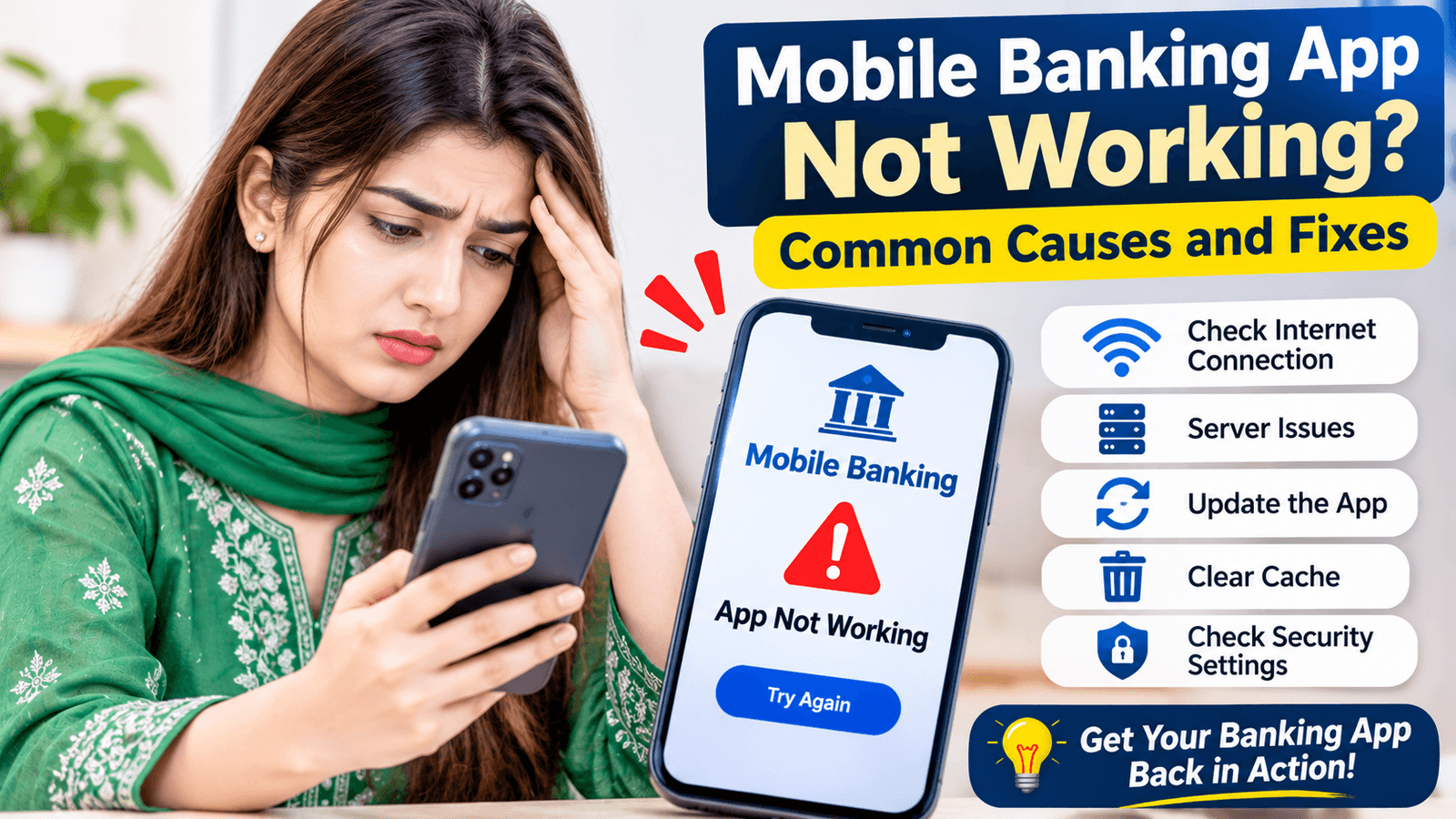
Mobile banking app not working in Pakistan is one of the most common digital banking problems, and it always seems to happen when you need to pay someone urgently. The good news is that most issues have simple causes and quick fixes. This guide explains why Mobile Banking App Not Working happens, how to fix it step by step, and how 7Pay can keep your everyday payments moving while you sort it out.
Common Causes of Mobile Banking App Not Working
Most app problems trace back to a small group of repeat causes.
The usual suspects are a weak connection, an outdated app, stored data that has become corrupted, a phone that is low on storage and temporary trouble on the bank’s servers. Knowing which one you are facing saves time. Technical errors in banking apps can look alike on screen, so the sections below break each cause down with its own fix.
Poor Internet Connection and Connectivity Problems
A weak or unstable connection is the number one reason an app stalls.
A mobile banking connection problem often shows up as endless loading, a timeout message or a blank screen. Switch between Wi-Fi and mobile data to see if one works better. A poor internet connection can also cause a mobile banking app not responding issue even when the rest of your phone works normally. Turn off any VPN while you use the app, since many banking apps block these connections.
Banking App Not Opening or Crashing
If the app will not start or closes by itself, the cause is usually on your phone.
Banking app not opening problems often come from an outdated banking application, low storage or leftover mobile app cache and data. If you see the bank app crashing on Android, clear the app’s cache and restart the phone. Also check that your device’s date and time are set to automatic, since the wrong time can stop secure connections from loading.
Mobile Banking Login Errors
Login failures are common and usually easy to solve.
Mobile banking login errors can come from incorrect login credentials, a locked profile after too many attempts or a recent password change. Type your details slowly and check that caps lock and language settings are correct. If a mobile banking app login problem continues, use the “forgot password” option or call the bank, since repeated wrong attempts may restrict bank account access for a short time.
OTP Not Received
A missing one-time password stops many logins and payments.
OTP not received issues are often caused by weak mobile signal, a full message inbox or call and message blocking settings that filter bank messages. Check that the registered number is active and that you can receive normal texts. Wait a minute before requesting another code, because several quick requests can slow things down. Never share your OTP with anyone, even someone claiming to be from your bank.
Mobile Banking Transaction Failed
A failed payment can feel alarming, but there is a clear way to handle it.
A mobile banking transaction failed message may come from a connection drop, a daily limit, an incorrect beneficiary detail or a payment processing error on the bank’s side. Failed online transactions are usually reversed automatically, but check your balance and transaction history first. Do not retry repeatedly, since that could create duplicate payments. If money was deducted, keep the reference number and contact the bank.
How to Fix Mobile Banking App Not Working: Step by Step
Follow this order, from the simplest fix to the most involved.
- Check your internet connection and switch between Wi-Fi and mobile data.
- Close the app fully and reopen it.
- Restart your phone.
- Update the app to the latest version from your app store.
- Clear the app’s cache and data, then log in again.
- Free up phone storage if it is nearly full.
- Confirm the app has the bank application permissions it needs, such as access to messages for OTP.
- Uninstall and reinstall the app as a last step, keeping your login details ready.
Working through this list in order fixes most cases of Mobile Banking App Not Working without any call to the bank.
Android and iPhone Troubleshooting
The steps differ slightly depending on your phone.
For Android app troubleshooting, open Settings, find the app, then clear cache and storage, and check for updates in the Play Store. For iPhone banking app issues, delete and reinstall the app, because iPhone does not offer a separate cache option, and install the latest iOS update. If the bank app is not working on iPhone after an update, also check whether the bank has released a compatible version. App compatibility issues can appear after major system updates, especially on older phones.
Mobile Banking App Not Working: Quick Fix Comparison Table
Use this table to match what you see on screen to the most likely cause and fix.
| Symptom | Likely Cause | Quick Fix |
| App will not open | Outdated app or low storage | Update the app and free up space |
| App keeps crashing | Corrupted cache or compatibility issue | Clear cache, restart the phone, reinstall |
| Endless loading | Weak internet or server issue | Switch networks, retry later |
| Login error | Wrong credentials or locked profile | Reset password or contact the bank |
| OTP not received | Signal or message filtering | Check signal, wait, then request again |
| Payment failed | Limit, connection or processing error | Check balance and history before retrying |
| Server error message | Bank maintenance or heavy traffic | Wait and try again later |
If your symptom is not listed, start with the connection and update steps above.
When the Problem Is on the Bank’s Side
Sometimes nothing is wrong with your phone at all.
A mobile banking app server down message or a long outage often means bank server maintenance or heavy traffic at peak times. Online banking app errors and internet banking issues can appear together when this happens. Try the bank’s website or helpline, or check its official social media page for notices. If the Mobile Banking App Not Working issue affects many people at once, the best step is simply to wait for the bank to restore service.
Staying Safe While You Troubleshoot
Problems with your app are also when scammers try to catch you off guard.
Download updates only from your official app store and ignore links sent by text or social media. Banking app security verification steps are there to protect you, so never switch them off. Call only the number on your bank’s official website or card, and never share your password, PIN or OTP with anyone. Keeping secure mobile banking habits protects your money even when something goes wrong.
How 7Pay Supports Your Digital Payment Needs
A broken app should not stop your day-to-day payments.
At you can handle bill payments, mobile recharge and other digital payment services in Pakistan from one convenient mobile wallet application. 7Pay does not replace your bank’s app or fix its outages, but it gives you another secure route for everyday transactions. When Mobile Banking App Not Working is slowing you down, having a second option keeps important payments on schedule.
FAQs
1. Why is my mobile banking app not working?
Common causes include poor internet, an outdated app, corrupted cache, low storage or bank server maintenance.
2. How to fix a banking app that won’t open?
Restart your phone, update or reinstall the app, clear cache and free up storage.
3. Why can’t I log in to my bank app?
Incorrect login credentials, a locked profile or a connection problem are the usual causes, so reset your password or contact the bank.
4. What to do when a banking app keeps crashing?
Clear cache and data, update the app and your phone’s software and reinstall if the crashes continue.
5. Why is my mobile banking transaction failing?
A weak connection, transaction limits, wrong beneficiary details or payment processing errors can cause a failed payment.
6. How to fix OTP problems in banking apps?
Check your signal and registered number, make sure your inbox is not full and wait before requesting a new code.
7. Why is my bank app showing a server error?
It is often temporary server maintenance or heavy traffic, so wait and try again later.
8. Is it safe to reinstall my banking app?
Yes, as long as you download it from the official app store and keep your login details ready.
9. Can a VPN stop my banking app from working?
Yes, many banking apps block VPN connections, so turn it off before you log in.
10. Can 7Pay help when my bank app is down?
7Pay can handle bill payments, mobile recharge and other digital payments while your bank app is unavailable.
Conclusion
Dealing with Mobile Banking App Not Working is far less stressful when you know the usual causes and fixes. Check your connection, update the app, clear its cache, confirm your login details and remember that server maintenance sometimes just needs time. Keep your habits secure and have a backup option ready, and a short outage will not disrupt your payments.
Call to Action
Want a reliable way to pay bills and recharge when your bank app acts up? Visit 7pay.com.pk and explore 7Pay’s secure digital payment services today. Next time Mobile Banking App Not Working strikes, you will already have a backup.