
13 October 2026 · info.fixtechsolution@gmail.com
Mobile Recharge Codes in Pakistan: Jazz, Zong, Ufone and Telenor
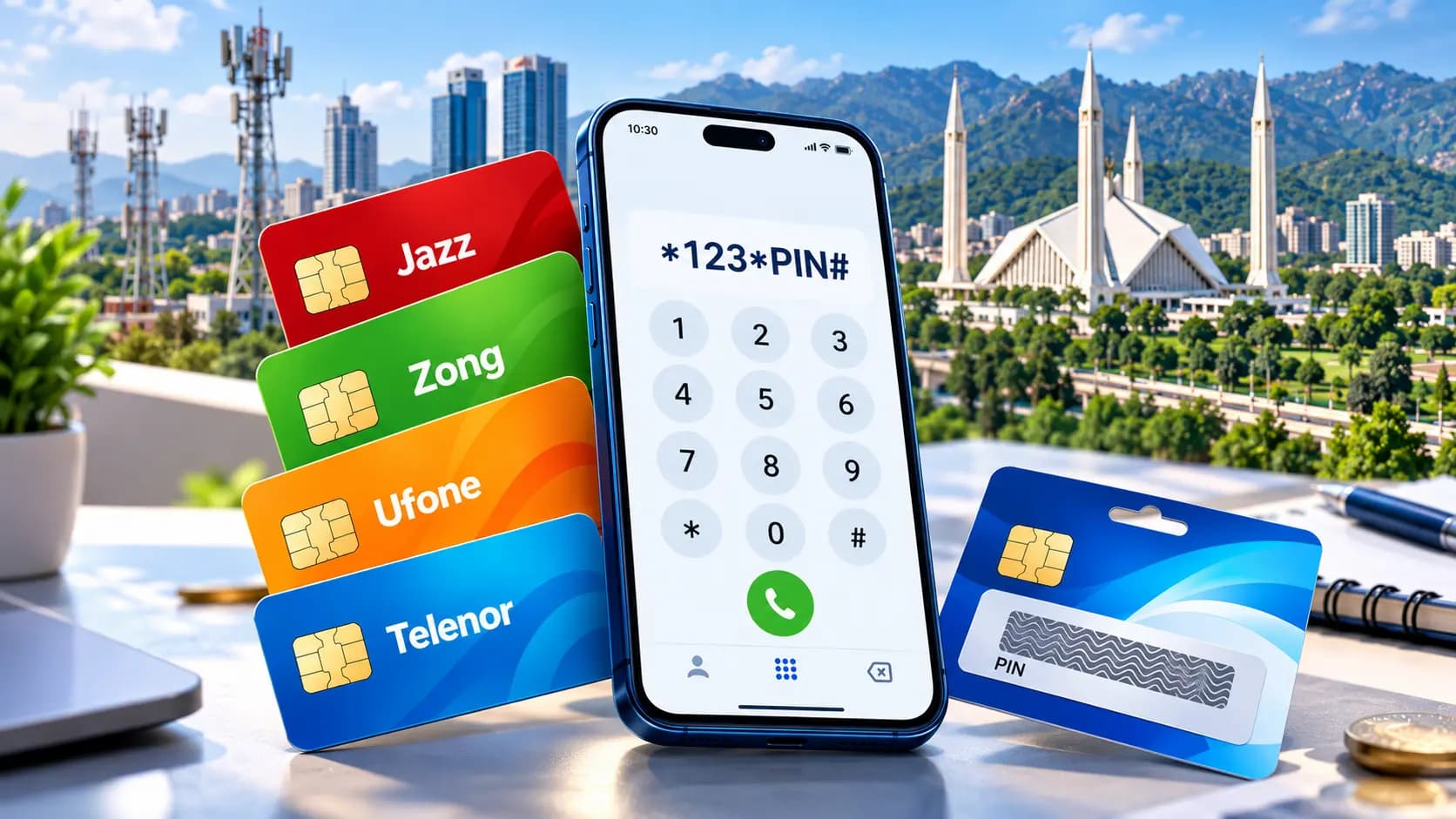
Keeping track of mobile recharge codes in Pakistan can get confusing when you are switching between different networks or trying to remember the right USSD code at the wrong moment. Whether you use Jazz, Zong, Ufone, or Telenor, knowing the correct mobile recharge codes in Pakistan saves time and avoids the frustration of a failed top-up. This guide walks through every major network’s balance check code, load code, and recharge method, along with how platforms like 7Pay make mobile recharge even more convenient.
Why Mobile Recharge Codes Matter
Every prepaid SIM in Pakistan relies on a set of USSD codes for basic tasks like checking balance or loading credit.
Knowing the right mobile recharge codes in Pakistan means you never have to guess which code works on which network, especially since Jazz, Zong, Ufone and Telenor services each use slightly different Pakistan telecom USSD codes. Having this information in one place makes managing a prepaid SIM recharge far easier, whether you are topping up your own number or helping a family member do the same.
Jazz Balance Check Code and Load Code
Jazz remains one of the most widely used networks in the country, and its codes are simple to remember once you know them.
The Jazz balance check code is *111#, which instantly shows your remaining credit. For recharging, the Jazz load code works through the standard PIN-based recharge method, where you dial *123*PIN# after scratching a recharge card. This Jazz recharge method is one of the most common mobile recharge codes in Pakistan used by prepaid customers every day.
Zong Balance Check Code and Load Code
Zong offers its own set of straightforward codes for balance checks and recharging.
The Zong balance check code is *222#, giving you an instant balance update on screen. The Zong load code follows the same scratch card format, using *123*PIN# to complete a Zong recharge method after purchasing a prepaid card. This approach keeps the process consistent with other mobile load and balance inquiry codes used across Pakistan.
Ufone Balance Check Code and Load Code
Ufone users rely on a slightly different balance check code compared to other networks.
The Ufone balance check code is *124#, which displays your current balance within seconds. The Ufone load code also uses the familiar *123*PIN# format, making the Ufone recharge method easy to follow even for first-time prepaid users. These SIM balance check codes are designed to work on both basic and smartphone devices.
Telenor Balance Check Code and Load Code
Telenor rounds out the four major networks with its own dedicated balance check code.
The Telenor balance check code is *444#, which is one of the most searched mobile balance check codes in Pakistan. For recharging, the Telenor load code again follows the standard *123*PIN# pattern, completing the Telenor recharge method in just a few seconds. Like the other networks, this keeps the process simple for anyone managing a prepaid mobile recharge Pakistan account.
Mobile Recharge Codes in Pakistan: Quick Comparison Table
Here is a simple side-by-side summary of the codes covered above.
| Network | Balance Check Code | Load Code |
| Jazz | *111# | *123*PIN# |
| Zong | *222# | *123*PIN# |
| Ufone | *124# | *123*PIN# |
| Telenor | *444# | *123*PIN# |
Keeping this table handy makes it much easier to remember mobile recharge codes in Pakistan without searching every time you need to check your balance or load credit.
How to Load a Recharge Card Using a PIN
Loading a recharge card scratch code is one of the most common ways people top up their prepaid balance.
After purchasing a card, scratch off the protective layer to reveal the recharge card PIN, then dial the load code specific to your network followed by that PIN. This straightforward process is behind most prepaid SIM recharge instructions you will find across Pakistan, and it works the same way whether you are on Jazz, Zong, Ufone, or Telenor.
Checking Mobile Balance Without an App
Not everyone wants to download an app just to check their account balance, and thankfully it is not necessary.
Every major network supports a direct USSD-based mobile account balance inquiry, meaning you can check remaining mobile balance using only the dial pad on any basic phone. This makes mobile recharge codes in Pakistan accessible to a wide range of users, regardless of whether they own a smartphone or a simple handset.
Online Mobile Top-Up as a Modern Alternative
As digital habits shift, more people are choosing online mobile top-up in Pakistan instead of relying only on physical scratch cards.
Mobile recharge through digital wallets and payment apps has become increasingly popular because it removes the need to find a shop or carry exact change. This modern approach to digital mobile recharge still complements traditional mobile recharge codes in Pakistan, giving users more flexibility in how they choose to top up their SIM.
How 7Pay Simplifies Mobile Recharge
Managing recharge across multiple networks becomes much easier with the right platform.
At 7pay.com.pk, users can recharge mobile balance using a payment app instead of hunting for a physical card or remembering every USSD code by heart. Whether you need a quick top-up for Jazz, Zong, Ufone, or Telenor services, 7Pay brings mobile recharge, bill payments, and other digital payment needs together in one secure, user-friendly platform.
FAQs
1. What is the Jazz recharge code in Pakistan?
The Jazz load code for recharging through a scratch card is *123*PIN#, while the Jazz balance check code is *111#.
2. How to recharge Jazz SIM using a card?
Scratch the recharge card to reveal the PIN, then dial *123* followed by the PIN and the hash symbol to complete the Jazz recharge method.
3. How to check Zong balance with a code?
Dial *222# on your Zong number to instantly see your remaining balance through the Zong balance check code.
4. How to load a Ufone recharge card?
Scratch the card for the PIN, then dial *123*PIN# to complete the Ufone load code and add credit to your account.
5. How to recharge Telenor prepaid balance?
Use the Telenor load code *123*PIN# after purchasing a recharge card to top up your Telenor prepaid balance.
6. What is the balance check code for all networks in Pakistan?
Jazz uses *111#, Zong uses *222#, Ufone uses *124#, and Telenor uses *444# for balance check codes.
7. How to check mobile balance without an app?
You can dial your network’s specific balance check code directly from any phone, no app or internet connection required.
8. How to recharge a Pakistani SIM online?
Many users now prefer online mobile top-up through payment apps, which allow mobile recharge through digital wallets without needing a physical card.
9. What are the Jazz, Zong, Ufone and Telenor recharge codes list?
Jazz, Zong, Ufone and Telenor services all use the standard *123*PIN# format for recharge, with each network having its own unique balance check code.
10. How to enter a mobile recharge card PIN in Pakistan?
Dial your network’s load code, followed by the PIN printed on the recharge card scratch panel, then press the call or send button to complete the top-up.
Conclusion
Having the right mobile recharge codes in Pakistan on hand makes everyday SIM management far less of a hassle. From checking your balance to loading a scratch card, Jazz, Zong, Ufone and Telenor services all follow familiar, easy-to-use patterns once you know the correct codes. As digital alternatives continue to grow, remembering these mobile recharge codes in Pakistan alongside modern options like online top-up gives you the flexibility to recharge however suits you best.
Call to Action
Want a simpler way to recharge your mobile balance? Visit 7pay.com.pk and top up Jazz, Zong, Ufone, or Telenor in just a few taps.