
13 October 2026 · info.fixtechsolution@gmail.com
How to Pay Utility Bills Online in Pakistan Step by Step
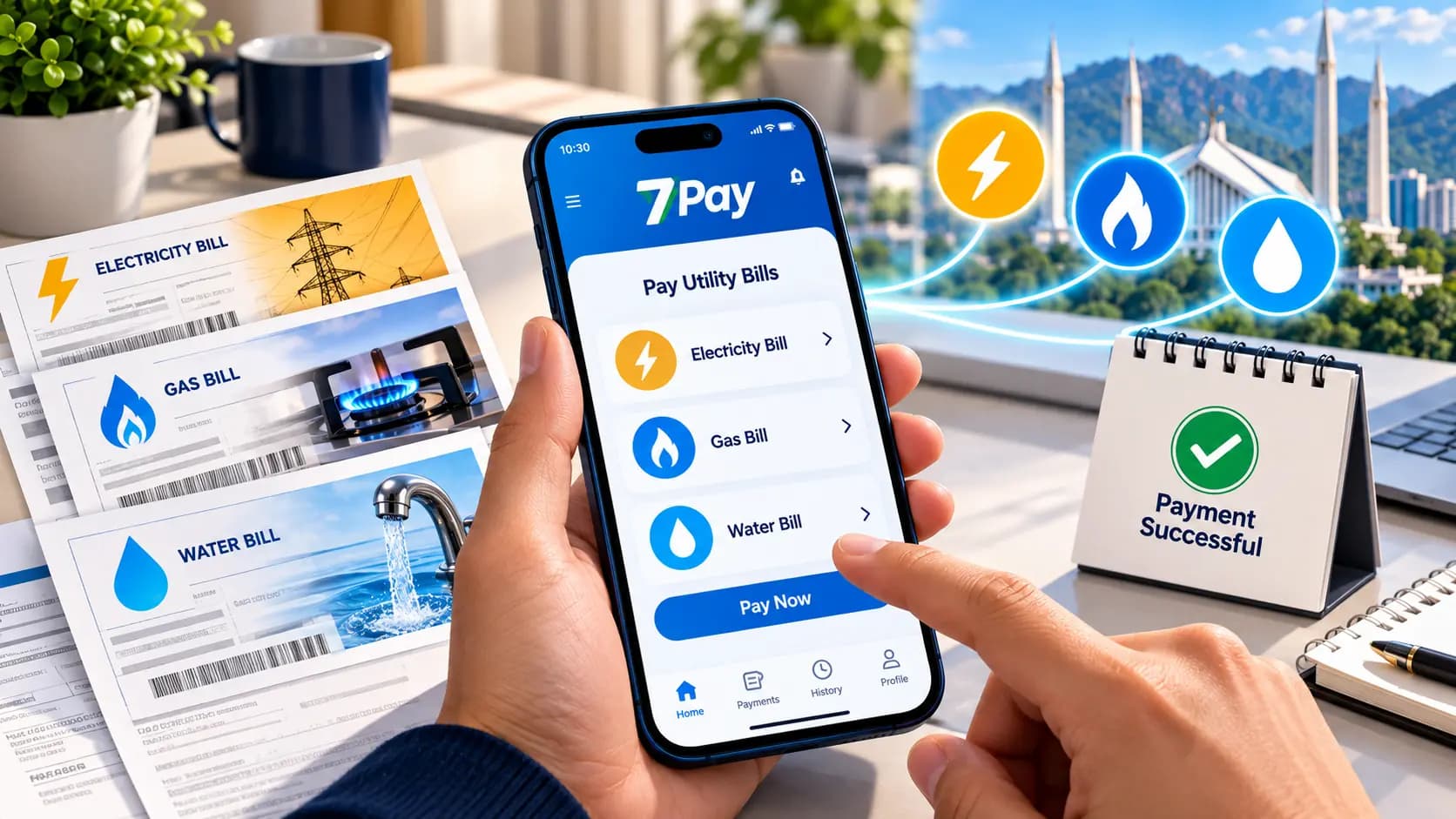
Standing in long queues just to pay a monthly bill is becoming a thing of the past for most households. Today, more people want to pay utility bills online in Pakistan from the comfort of their homes rather than visiting a payment center in person. This guide walks you through exactly how to pay utility bills online in Pakistan step by step, covering electricity, gas, and water bills, while showing how a platform like 7Pay makes the entire process faster and more secure.
Why More People Pay Utility Bills Online in Pakistan
Convenience has become the biggest reason households are shifting away from in-person payments.
As digital payments in Pakistan continue to grow, more consumers now prefer to pay utility bills online in Pakistan instead of standing in line at a bank or payment center. Cashless bill payment options save time, reduce the risk of late fees, and give users a clear digital wallet transaction receipt for every payment made, which makes the entire process far more transparent.
What You Need Before You Start
A little preparation makes the process of paying bills online much smoother.
Before you pay utility bills online in Pakistan, keep your electricity bill reference number or consumer number for bill payment ready, along with your mobile wallet details. Having these on hand means you can complete your payment in just a few steps without pausing halfway through to search for missing information.
How to Pay Electricity Bills Online with 7Pay
Electricity bills are usually the most frequent payment households need to manage every month.
To pay electricity bills online with 7Pay, you simply enter your consumer number, confirm the bill amount, and complete the transaction through the 7Pay bill payment app. This straightforward online electricity bill payment Pakistan process removes the need to visit a physical counter and gives you an instant online payment confirmation once the transaction goes through.
How to Pay Gas Bills Online in Pakistan
Gas bills follow a similarly simple process when paid through a digital wallet.
Using 7Pay online payments, you can pay gas bills online in Pakistan by entering your reference number and confirming the amount due, just as you would for electricity. This online gas bill payment Pakistan option is especially useful during peak billing periods when physical payment centers tend to get crowded.
Water Bill Payment Online Pakistan Explained
Water bills are often overlooked, but they can be paid through the same convenient digital process.
A water bill payment online Pakistan transaction usually requires your consumer number and the current bill amount, both of which can be entered directly into a mobile app payment process. This keeps all your monthly utility bill payments organized in one place rather than spread across different physical locations.
Step-by-Step: Pay Utility Bills Online in Pakistan Using 7Pay
Here is the complete step-by-step guide to online bill payment in Pakistan using 7Pay.
- Open the 7Pay mobile wallet for bill payments and log in to your account.
- Select the utility bill payment option for electricity, gas, or water.
- Enter your consumer number or reference number for the specific bill.
- Confirm the bill amount displayed on screen.
- Choose your preferred payment method within the app.
- Complete the transaction and save your digital wallet transaction receipt.
Following these steps makes it easy to pay utility bills online in Pakistan without confusion, even for first-time users of mobile wallet payments in Pakistan.
Comparison Table: Traditional vs Online Bill Payment
Here is a quick look at how online bill payment compares to traditional in-person payment.
| Factor | Traditional Payment | Pay Utility Bills Online in Pakistan |
| Time Required | Travel plus waiting in line | A few minutes from home |
| Receipt | Paper receipt | Digital wallet transaction receipt |
| Availability | Limited to business hours | Available anytime |
| Payment Tracking | Manual record keeping | Utility bill payment history in app |
This comparison shows why so many households now choose to pay utility bills online in Pakistan rather than relying on older, slower methods.
Understanding Payment Confirmation and Receipts
Keeping proof of payment is important for every transaction, especially for monthly utility bill payments.
After you complete a payment, you should always receive an online transaction ID along with a digital wallet transaction receipt. This serves as payment verification in case there is ever a dispute about whether a bill was paid, and it is one of the most convenient bill payment methods for keeping organized records.
What to Do If a Bill Payment Fails
Occasionally, a transaction may not go through on the first attempt, and knowing what to do next matters.
If you experience a failed transaction while trying to pay utility bills online in Pakistan, check your internet connection and confirm your consumer number was entered correctly before retrying. Most failed bill payment solutions involve simply reattempting the transaction, and your payment history will show whether the amount was deducted or not.
Why 7Pay Is a Secure Choice for Online Bill Payment
Security is one of the most important factors when choosing where to handle your monthly payments.
7Pay offers secure online bill payment methods built specifically for Pakistani consumers who want a reliable way to manage their digital financial services in Pakistan. With 7Pay payment services, you get the mobile wallet convenience of paying bills without visiting a payment center, all while keeping your transaction details protected.
FAQs
1. How to pay utility bills online in Pakistan using 7Pay?
Simply open the 7Pay app, select your utility type, enter your consumer number, confirm the amount, and complete the payment in a few taps.
2. How to pay electricity bills through 7Pay?
Enter your electricity bill reference number into the 7Pay bill payment app, confirm the amount, and complete the transaction instantly.
3. How to use 7Pay for online bill payments?
7Pay allows you to pay utility bills online in Pakistan including electricity, gas, and water bills, all from one mobile wallet.
4. Can I pay utility bills using the 7Pay app?
Yes, the 7Pay app supports online bill payment for major utility categories through a simple, secure process.
5. What is the step-by-step guide to online bill payment in Pakistan?
Log in, select the bill type, enter your consumer number, confirm the amount, choose a payment method, and save your receipt.
6. How do digital wallets simplify utility bill payments?
Digital wallets remove the need to visit a payment center, offering instant confirmation and a clear transaction history for every bill paid.
7. How to pay monthly bills online in Pakistan?
You can pay utility bills online in Pakistan each month by saving your consumer numbers in your wallet app for faster repeat payments.
8. How to make online payments using 7Pay in Pakistan?
7Pay online payments let users handle bill payments, mobile recharge, and other digital transactions securely from a single platform.
9. What should I do if my bill payment fails?
Check your connection and consumer number details, then retry the payment, keeping an eye on your transaction history for confirmation.
10. Is online bill payment through 7Pay secure?
Yes, 7Pay uses secure online bill payment methods designed to protect user information throughout every transaction.
Conclusion
Learning how to pay utility bills online in Pakistan step by step makes managing monthly expenses far more convenient and far less time consuming. From electricity to gas and water bills, digital wallets have made it possible to pay utility bills online in Pakistan without ever stepping into a payment center. With a secure, user-friendly option like 7Pay, staying on top of your monthly utility bill payments becomes a quick, stress-free part of your routine.
Call to Action
Ready to simplify your monthly payments? Visit 7pay.com.pk today and pay utility bills online in Pakistan in just a few taps.