
7 October 2026 · info.fixtechsolution@gmail.com
PayPak Card: Benefits, Fees, Eligibility and How to Apply
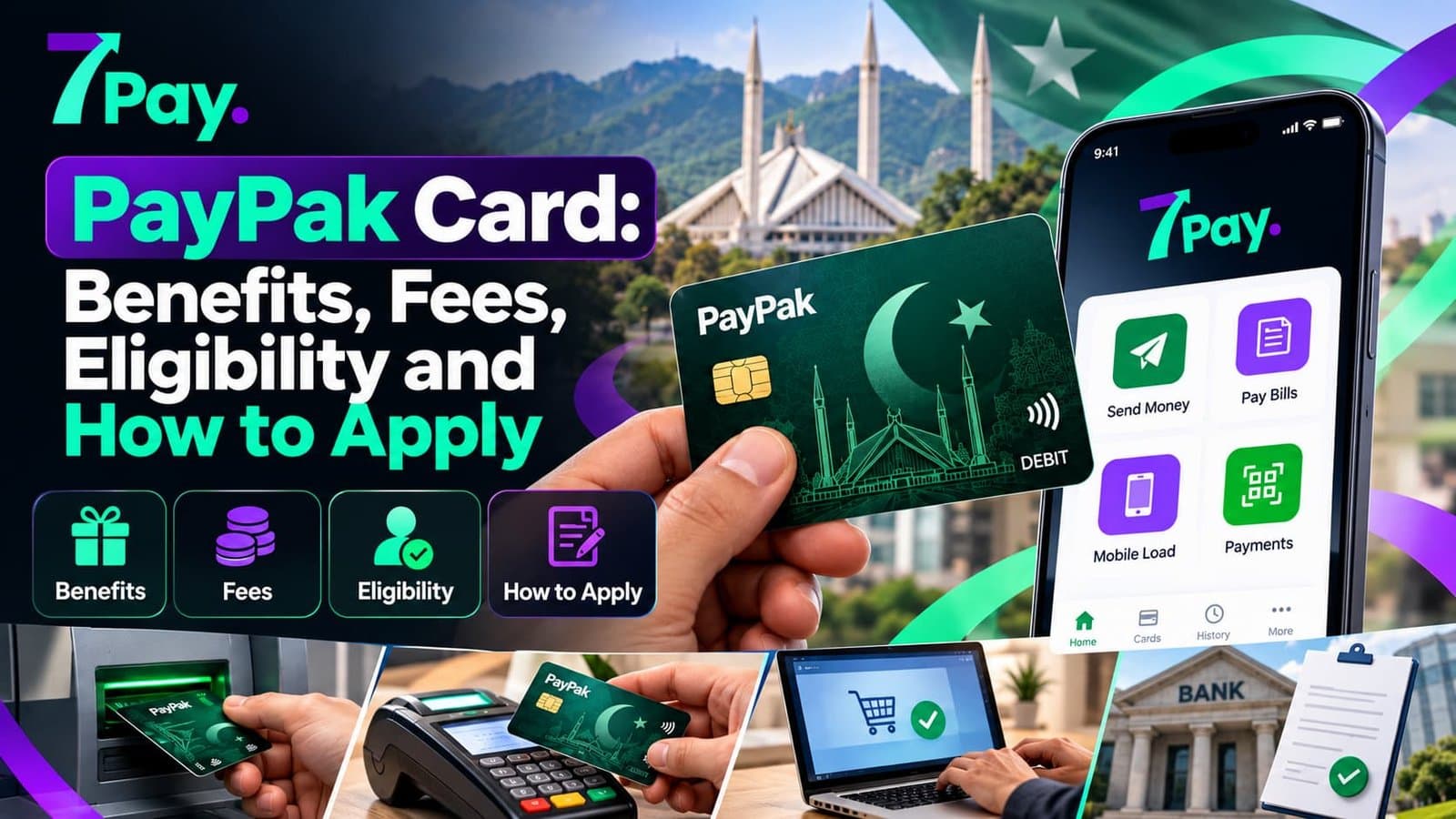
A PayPak Card is Pakistan’s own domestic payment card, and more people are asking how to get one. This guide explains what a PayPak Card is, its benefits, fees and how to apply, and how 7Pay fits into the everyday digital payments Pakistan users rely on.
What Is a PayPak Card?
What is a PayPak Card in Pakistan? It is a debit card issued under Pakistan’s national payment scheme, designed for local ATMs, shops and online checkouts. As a Pakistani debit card, it runs on the PayPak payment network and does not depend only on international networks.
Because it is processed locally, it suits everyday spending inside the country. It is a domestic debit card for anyone who wants a simple ATM card Pakistan users can rely on for cash, shopping and bills.
Is PayPak Card available in Pakistan? Yes, it is offered through participating institutions, and many people now use it as their main debit card in Pakistan.
Quick facts box:
- Type: Pakistan domestic payment card
- Use: ATM cash, card payment in Pakistan and merchant payments
- Network: PayPak payment network
- Best for: Local spending and digital payments Pakistan users prefer
PayPak Card Benefits for Everyday Users
PayPak Card benefits are easy to spot in daily use. Local processing keeps payments simple, and acceptance keeps growing. These PayPak debit card benefits matter most when you spend inside Pakistan.
What are the benefits of PayPak Card for you? Here are the main ones:
- Local acceptance: Works at ATMs and merchants across the country
- Smooth merchant checkout: PayPak merchant payments are available at many shops and online stores
- Less foreign dependence: Domestic spending stays on a local network
- Easy cash access: A PayPak ATM withdrawal is available at supported machines
- Digital friendly: Fits naturally with the way people now pay bills and shop online
- Familiar use: It works like any other debit card, so there is little to learn
PayPak Card Fees and Charges in Pakistan
How much does a PayPak Card cost? It depends on your issuer, account type and card tier, so no single figure fits everyone. PayPak Card fees and charges in Pakistan are listed in each issuer’s schedule of charges.
Typical PayPak card charges include:
- Card issuance charges when the card is first produced
- Annual card fee for keeping the card active
- Card renewal charges when the card expires
- Card replacement fee if the card is lost or damaged
- PayPak transaction charges on certain services
- ATM fees in some cases, such as use beyond free limits
Debit card fees in Pakistan vary widely, so read the schedule before you apply and ask whether any fee can be waived. Confirm current amounts with your issuer, because charges change from time to time.
PayPak Card Eligibility: Who Can Apply?
PayPak card eligibility is decided by the issuing institution, but the basics are similar everywhere. Most applicants need a verified identity and an active account. Meeting these basics makes approval faster.
- A Pakistani adult with a valid CNIC
- An active, verified account with the issuer
- Completed KYC, which is part of the standard bank card application process
- A working mobile number for alerts and verification
Requirements differ between issuers, so check the details before you submit anything.
How to Apply for a PayPak Card Step by Step
Here is how to apply for a PayPak Card without confusion. The PayPak card application follows the usual bank card application process, and most steps are the same everywhere.
- Choose an issuer that offers the card.
- Confirm eligibility and gather your CNIC and account details.
- Fill in the application form, or request the card digitally.
- Complete verification and pay any issuance fee.
- Receive the card and activate it with your PIN.
Searching for how to get a PayPak debit card? These steps cover it. Some issuers also let you start a PayPak card online through their app or website, so check there first.
7Pay PayPak Card and 7Pay Card Benefits
7Pay Pakistan brings bill payments, mobile recharge and money transfers into one app, and the 7Pay digital wallet keeps your activity easy to track. The 7Pay PayPak Card idea is simple: a local card and a wallet that work together for daily spending.
PayPak and 7Pay share the same local-first focus. Using a PayPak Card with 7Pay, you can manage spending, pay bills and recharge numbers from your phone.
Wondering how to get a 7Pay card? Start at www.7pay.com.pk and follow the steps shown for your account. Your 7Pay card, also described as a 7Pay debit card or 7Pay payment card, is designed for everyday domestic use.
7Pay card benefits at a glance:
- One place for bills, recharge and transfers
- Digital receipts saved in your history
- Clear details before you confirm a payment
- Simple screens that suit first-time users
- Round-the-clock access whenever you have internet
Where to Use a PayPak Card in Pakistan
Where can I use PayPak Card in Pakistan? Mainly at ATMs, shops, restaurants and online stores that accept the network. Card payment in Pakistan is growing, and PayPak merchant payments are now common at many outlets.
Can I use PayPak Card online? In many cases yes, if your issuer enables online transactions and the website accepts the network. Switch it on in your issuer’s app first.
- ATMs for cash withdrawal
- Supermarkets and retail stores
- Fuel stations
- Restaurants and cafes
- Online stores that accept the network
- Utility and service payments
PayPak Card vs Visa Debit Card: Comparison Table
PayPak Card vs Visa debit card is a common search. Both handle payments, but they suit different needs. The table compares them in plain terms.
| Feature | PayPak Card | Visa Debit Card |
| Network type | Pakistan domestic payment scheme | International network |
| Best for | Local spending, ATMs and merchants | Local use plus travel and foreign sites |
| Acceptance | Strong inside Pakistan | Wide, including abroad |
| Online use | Local sites that accept the network | Local and international sites |
| Fees | Set by issuer, see the schedule | Set by issuer, may add international charges |
| Everyday use | Cash, shopping and bills | Same, plus foreign use |
| Typical fit | Daily life in Pakistan | Frequent travelers and global shoppers |
In short, a PayPak Card suits everyday local use, while a Visa debit card helps when you travel or shop abroad.
Limits, ATM Withdrawal and Transaction Charges
Layout: short paragraph plus bullets.
PayPak card limits control how much you can withdraw or spend each day. Your issuer sets them, and you can often ask for a change. Knowing them in advance prevents embarrassing declines at checkout.
- PayPak ATM withdrawal: daily cash limits apply
- Interbank ATM fee: may apply when you use another institution’s machine
- PayPak transaction charges: may apply on selected services
- Merchant payment limits: vary by issuer and card tier
Common Problems and Quick Fixes
Most card issues have simple causes. Try these checks before you call anyone.
- If your PayPak Card is declined, check your balance, daily limit and online settings first.
- Online payment fails: confirm online transactions are switched on and the site accepts the network.
- ATM will not respond: try another machine or a different time.
- Lost or damaged card: block it immediately and request a replacement, noting the card replacement fee.
Is 7Pay Safe to Use?
Security matters whenever money moves. 7Pay is designed to protect your account and transaction details, and it asks only for what a payment needs.
- Never share your PIN or OTP with anyone
- Use only the official 7Pay app or www.7pay.com.pk
- Keep your phone software updated
- Log out on shared devices
Smart Habits for Everyday Card Use
Small habits protect your money and cut avoidable costs. These work with any debit card.
- Keep your PayPak Card PIN private and change it if you suspect a leak.
- Review your statement monthly for unfamiliar deductions.
- Use your own issuer’s ATMs when possible to avoid extra fees.
- Move routine payments such as bills and recharge to 7Pay to cut cash trips.
- Note the expiry date so renewal never catches you off guard.
FAQs
1. What is a PayPak Card?
It is a domestic debit card issued under Pakistan’s national payment scheme. It is used at ATMs, shops and online stores that accept the network.
2. How to apply for a PayPak Card?
Choose an issuer, confirm eligibility, submit the application with your CNIC and account details, and complete verification. Once approved, you receive and activate the card.
3. What are the benefits of PayPak Card?
Key benefits include local acceptance, easy cash withdrawal, smooth merchant payments and a familiar debit card experience for domestic spending.
4. How much does a PayPak Card cost?
Costs depend on the issuer, account type and card tier. Check the issuer’s schedule of charges for issuance, annual and renewal fees.
5. Is PayPak Card available in Pakistan?
Yes. It is offered through participating institutions across the country.
6. PayPak Card vs Visa debit card: which should I choose?
Choose the domestic option for local spending and the international option if you travel or shop on foreign sites. Many people hold both for different needs.
7. Can I use PayPak Card online?
Often yes, if your issuer enables online transactions and the site accepts the network. Switch it on in your issuer’s app first.
8. Where can I use PayPak Card in Pakistan?
Use it at ATMs, retail stores, restaurants, fuel stations and online stores that accept the network.
9. How do I get a 7Pay card?
Visit www.7pay.com.pk and follow the steps shown for your account. 7Pay also supports bill payments, mobile recharge and money transfers from the same app.
CONCLUSION
A PayPak Card gives you a simple, local way to pay, withdraw cash and shop. Check the PayPak Card fees, confirm your eligibility and follow the application steps for a smooth start. Pair it with 7Pay to handle bills, recharge and transfers from one app.
CALL TO ACTION
Pay bills, recharge numbers and send money from one simple app. Open 7Pay today and see how easy digital payments can be.
Get Started at www.7pay.com.pk